CONCRETE MOLD CASTING
A Claude skill for designing multi-part molds for cast concrete and GFRC, checking the mold before it's printed or poured, and planning the mix, pour, cure, demold and a small run. Free and open source. Its first job was the mold and pour plan for K, nine black GFRC planters.
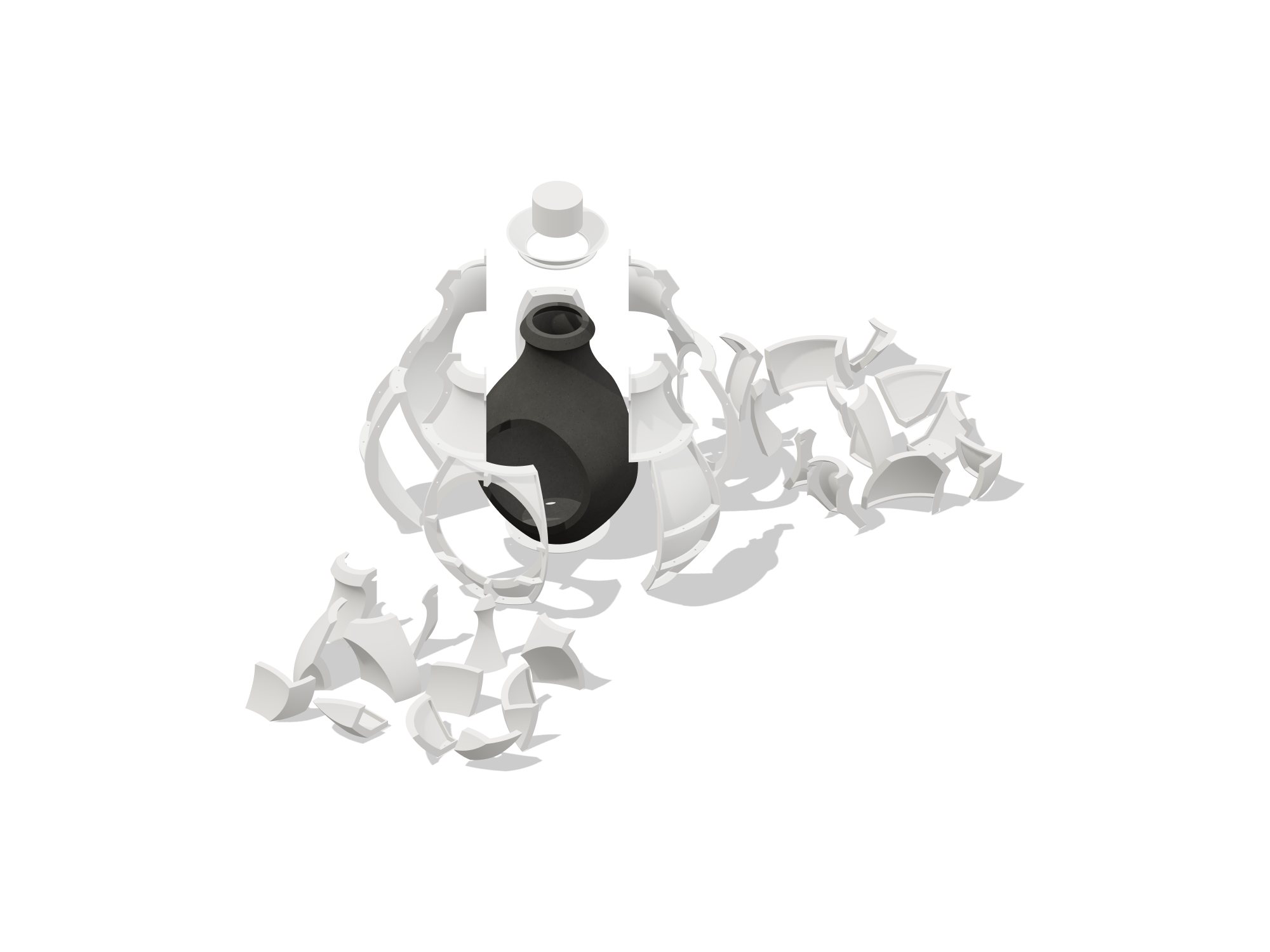
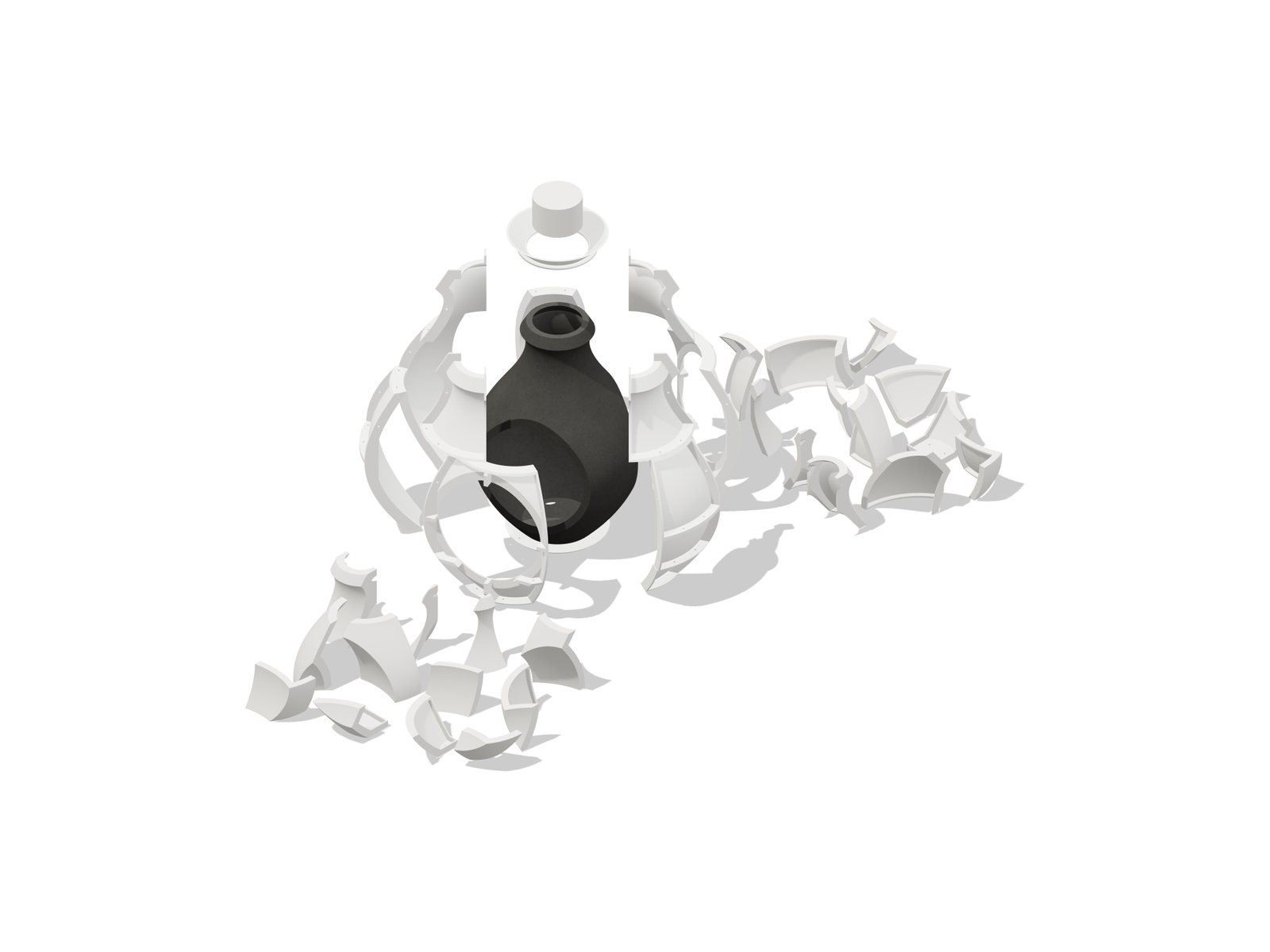
A Claude skill for designing multi-part molds for cast concrete and GFRC, checking the mold model before printing or pouring, and planning the mix, pour, cure, demold and a small production run.
What's in it
SKILL.md: the workflow Claude follows: read the rules, design the mold, check it, then plan the mix and the run.references/mold-design.md:- mold families: printed or CNC negatives, silicone gloves with a mother mold, fiberglass
- wall and floor thickness
- parting lines and pulls, draft, core segmentation
- flanges and bolts, hydrostatic force and core uplift
- fill, vents and risers, release, printing
gfrc-mix.md:- premix vs spray-up
- a starting mix
- integral black pigment, done so all units match
- AR glass fiber and other reinforcement
pour-cure-demold.md:- pour-day checklist, mixing, lifts and vibration
- curing and demolding, finishing and sealing
- a troubleshooting table
production-planning.md: mold cycles, the test pour, buying, a schedule and a pour logverification.md,project-template.md
-
scripts/moldcheck.py: a checker that reads a mold as STLs (one per part, assembled) or one GLB, pours virtual concrete into it and flags:- open or broken solids
- parts that overlap
- concrete that can't get from the pour point to the cavity
- leaks to the outside
- a pour that floods the core
- wall the pour doesn't reach
- trapped air
- undercuts and low draft on every piece, against that piece's own pull
- thin spots in the casting
- pieces too big for the printer bed
It also reports: - litres and kilograms per pour - wall thickness - the hydrostatic force pushing each piece off - the core uplift - mold print mass
You can patch a fix into the spec (open a lid, close an opening, plug a vent) and re-check before re-modelling. -
scripts/gfrc_batch.py: turns litres per unit into a shopping list and per-bucket weights, for a bagged GFRC mix or a mix from scratch, with pigment dosed on the cement. -scripts/moldanim.py: builds the animations from the checked mold as one GLB with three clips,build,pouranddemold, ready for model-viewer or three.js. - Outside pieces move along their pulls. - Core pieces get planned exit paths (a configuration-space search past the cast and the pieces still in), in an order that works. - Every clip is checked every 2 mm of motion, so no piece passes through another or through the cast. -scripts/animpreview.jsrenders each clip to an MP4 and a contact sheet on white, in the same viewer the site uses. Seereferences/animation.md. -examples/k-concrete-vessels/: the worked example: nine 35 in black GFRC planters from a 53-piece printed mold. It has the specs, the checker output, what each flag meant, the fixes, the mix, the pour-day steps and the 9-pot schedule. -scripts/tests/: builds a small cup mold once correctly and once each with a mistake planted, and checks the checker against them: - undercut - no draft - blocked pour - leak - air trap - flooded core - interference - broken mesh - thin wallCurrent result: 9 of 9 mistakes caught, and no false alarms on the good mold.
run_anim_tests.pydoes the same for the animations. The good cup animates clean, the undercut core is reported as having no way out, and a base driven down through the sides is caught: 4 of 4 pass.
Install
- Claude.ai / Claude app: zip this folder and upload it under Settings > Capabilities > Skills.
- Claude Code: copy the folder to
~/.claude/skills/concrete-mold-casting/. - Requirements:
pip install trimesh manifold3d numpy scipy scikit-image fast_simplification. The previews also need Node withplaywrightandffmpeg.
Quick start
python3 scripts/moldcheck.py mold_stls/ --spec planter.moldcheck.json --res 2 --json out.json
python3 scripts/gfrc_batch.py --from-check out.json --units 9 --test 1 --imperial
python3 scripts/moldanim.py mold_stls/ --cast vessel.stl --spec planter.anim.json --out planter-mold.glb --report anim.json
Example spec:
{"units": "mm", "up": "z", "wall": 19, "min_draft": 1.0, "density": 2100,
 "pour": [0, 103, 540], "fill_level": 489, "rim": 457.2,
 "bed": [325, 320, 325],
 "groups": {"core": "^K[A-D]\\d", "shell": "^[A-D]\\d"}}
Name each part with its pull: A3_pull_137_deg (horizontal, degrees counterclockwise from +X seen from above), CORE_pull_up, BASE_pull_down, or set it in the spec under parts.
Limits
- It fills the mold like water; it doesn't simulate how stiff concrete flows.
- It gives forces, not stresses, so size the bolts and the hold-down yourself.
- It doesn't know about seal quality, release, shrinkage or colour.
- Voxel results move slightly with resolution, so run two resolutions and trust flags that appear at both.
- It's a second pair of eyes. Cut a section through the cast and make a test pour.
Authors
- Alican Rowe (@alicanrowe)
- Claude (Anthropic)
License
MIT. See LICENSE.